The kerkiya app puts the full casino in your pocket — no browser tabs, no slow loading. Download the APK directly below, install it in a few taps, and you're ready to play. Works on Android 8.0 and above. The app is free, weighs just 28 MB, and links directly to your existing kerkiya account. iOS users can add kerkiya to the home screen through Safari for a near-native experience.
- Verified APK
- Android 8.0+
- bKash & Nagad
- 18+ Only
- SSL Encrypted
- 24/7 Support
v2.6.12
Scan to download
kerkiya APK
Safe to Install — What kerkiya Requests & Why
The kerkiya APK is scanned and signed before each release. It requests only the permissions it needs — nothing more.
No Malware, No Spyware
Every kerkiya APK build is scanned with multiple antivirus engines before release. The file is served over HTTPS with a checksum you can verify. Only download from kerkiya.ws or the direct link above — third-party APK mirrors are not endorsed and may carry altered files. If your phone's security app flags it, that is a standard warning for sideloaded APKs, not evidence of a threat.
Camera & Microphone: Optional
The app does not activate your camera or microphone during normal play. These permissions may appear on some Android 8–9 builds as part of the standard WebView package. You can deny both and all games, payments and account functions will still work normally. Live dealer streams use server-side video — your camera is not involved.
Network Access Only
kerkiya requests internet access to load games, process bKash/Nagad transactions and fetch live odds. It does not read your contacts, messages or call logs. Location access is not required. All traffic between the app and kerkiya servers is encrypted with TLS 1.3, so your deposit details and login credentials stay private even on shared mobile data.
Updates Without the Play Store
When a new version of the kerkiya app is available, you'll see an in-app notification. Tap the banner, download the new APK from kerkiya.ws, and install over the existing version — your account data, bonus balance and settings carry over. Version 2.6.12 (updated 3 November 2026) is the current release. Never update from an unknown prompt or pop-up outside the app.
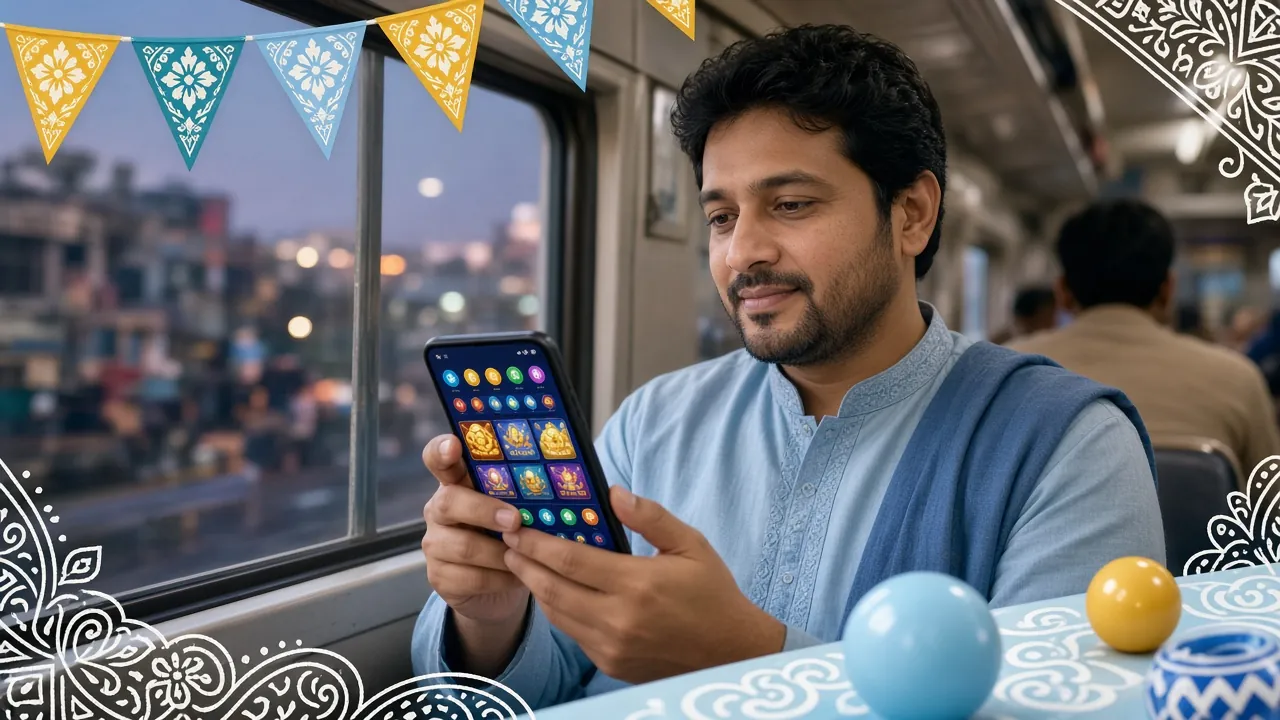
Everything in One App — Games, Betting & Payments
The kerkiya app covers every category the full website offers, optimised for one-thumb play on a phone screen.
Teen Patti & Card Games
Play Teen Patti 20-20 from Pragmatic Play (RTP 97.3%) against real players on live tables. The app renders card animations at 60fps on mid-range Android phones. Table limits start from ৳10 — good for casual evening sessions during a match break.
Live Dealer Casino
Stream live Roulette, Baccarat and Andar Bahar from Ezugi studios directly in the app. HD video adapts to your connection speed — 4G and broadband both work well. Deposit with bKash before the session and your balance updates instantly at the table.
Slots — Over 2,700 Titles
The full slot library from PG Soft, Red Tiger, CQ9 and Pragmatic Play is available on the app. Games like Dragon Tiger Luck (RTP 96.8%), Ultra Treasure (RTP 97.8%) and Fortune Dragon load within seconds. Filter by provider or RTP to find what you want fast.
Sports Betting
Cricket (IPL, BPL, T20, ODI), football and kabaddi markets are fully accessible from the app. Live in-play odds update in real time. Bet with ৳ BDT, settle through bKash or Nagad — the same workflow you're used to on the website, but faster on mobile.
Fishing Games
Bombing Fishing from CQ9 (RTP 97.4%) is one of the most-played titles on kerkiya. The app handles the touchscreen controls well — tap to aim, hold to charge. Min bet ৳5, max ৳10,000. Good choice for short sessions on a commute or lunch break.
Deposits & Withdrawals
Top up with bKash, Nagad, Rocket, Upay or bank transfer directly in the app. Deposits clear in about 5 minutes; withdrawals typically process within 35 minutes. The minimum deposit is ৳500. All transaction history is accessible under the Wallet tab.


kerkiya App vs Mobile Browser — Which to Use?
Both options work well. Here's a straight comparison so you can choose what fits your phone and habits.
| Feature | kerkiya App (APK) | Mobile Browser |
|---|---|---|
| Install needed? | Yes — one-time APK install | No — open kerkiya.ws directly |
| Loading speed | Faster — assets cached locally | Slightly slower on first load |
| Push notifications | Yes — bonus alerts, match starts | No native notifications |
| bKash / Nagad payment | Direct deep-link to bKash app | Manual number entry in browser |
| Live dealer streaming | Smooth on 4G / Wi-Fi | Works, slight buffering on 3G |
| Android version needed | Android 8.0 or higher | Any modern mobile browser |
| iOS support | Add-to-home-screen PWA | Full browser access on Safari |
| Auto-update | In-app notification + re-download | Always up to date automatically |
| Storage used | 28 MB installed | Cache only (~5 MB typical) |
| Recommended for | Regular players, cricket betting nights | Occasional visitors, iOS users |
Either way, your account, balance and bonuses are shared — log in once and switch freely between app and browser.
Android APK Install — Step by Step
The whole process takes about three minutes on a standard Android phone. Follow these steps in order.
-
1
Allow Unknown Sources
Go to Settings → Apps → Special App Access → Install Unknown Apps. Find your browser (Chrome or the browser you'll use to download). Toggle "Allow from this source" to on. This one-time step tells Android it is safe to install APKs that do not come from the Play Store. You can turn it off again after installation.
-
2
Download the APK
Tap the Download APK button on this page. Your browser will save kerkiya.apk (28 MB) to your Downloads folder. Wait for the download to finish — a progress bar will appear in the notification shade. Make sure you have a stable connection (Wi-Fi or 4G) to avoid a corrupted file.
-
3
Open & Install
Tap the downloaded file from the notification or open your Files app and navigate to Downloads. Tap kerkiya.apk. Android will show an install screen listing the app's permissions. Tap Install. The process takes about 15 seconds. If you see "Parse error", the download is incomplete — delete the file and download again.
-
4
Open the App & Log In
Once installed, tap Open on the success screen or find the kerkiya icon on your home screen. The app loads to the lobby in a few seconds. Tap Log In and enter your existing kerkiya username and password. Your balance, active bonuses and VIP tier all carry over automatically — nothing resets on the app version.
-
5
Deposit & Play
Go to Wallet → Deposit and choose bKash, Nagad, Rocket, Upay or Bank Transfer. The minimum deposit is ৳500. Funds typically arrive within 5 minutes. If this is your first deposit, the kerkiya welcome bonus (210% up to ৳30,000) applies automatically — no code needed. Head to the Casino or Sports lobby and start playing.
iOS Users — Add to Home Screen
Open kerkiya.ws in Safari → tap the Share icon (box with arrow) → scroll down and tap Add to Home Screen → tap Add. The kerkiya icon appears on your home screen and opens like a native app. Full game access, bKash payments and account management all work through this method.
System Requirements & Version Details
Check these before you download to make sure your device is compatible with the current kerkiya app release.
| App Version | 2.6.12 |
|---|---|
| File Name | kerkiya.apk |
| File Size | 28 MB |
| Minimum Android | Android 8.0 (Oreo) |
| Last Updated | 3 November 2026 |
| Price | Free |
| Languages | English, Bangla |
| iOS Support | Add-to-home-screen (PWA via Safari) |
| Minimum RAM | 2 GB (3 GB recommended for live dealer) |
| Internet | 3G minimum; 4G or Wi-Fi for live tables |
Phones running Android 8–9 may see a slightly different settings path for "unknown sources". On Android 10 and above the permission is per-app and found under Settings → Apps → (your browser) → Install Unknown Apps.
Install Problems? Here's How to Fix Them
Most issues are solved in one step. Find your error below and follow the fix.
| Problem | Likely Cause | Fix |
|---|---|---|
| "Install blocked" or "Not allowed" | Unknown sources permission is off for the browser you used to download. | Go to Settings → Apps → (your browser) → Install Unknown Apps and toggle it on. Then tap the APK file again. On older Android, check Settings → Security → Unknown Sources. |
| "Parse error" or install fails halfway | The APK file downloaded incompletely — usually from a weak connection or interrupted Wi-Fi. | Delete the partial file from your Downloads folder. Reconnect to a stable network (4G or home Wi-Fi) and download the APK again from this page. Do not retry from a third-party site. |
| App crashes immediately after opening | Device has less than 2 GB free RAM, or the Android version is below 8.0. | Close background apps to free memory, then reopen kerkiya. If your Android version is older than 8.0, use the mobile browser version at kerkiya.ws instead — full functionality, no install required. |
| Blank screen or games won't load | No internet connection, or the app is trying to load over a very weak 2G signal. | Switch to Wi-Fi or 4G. Check the status bar for signal. If your connection is fine, force-close the app, wait 10 seconds, and reopen. Live dealer tables need a steady connection — slots and card games work on weaker signals. |
| "App not installed" message after tapping Install | An older version of the kerkiya app is still on the device, and the new APK has a conflicting signature. | Go to Settings → Apps → kerkiya and uninstall the old version first. Then install the new APK. Your account data is stored on kerkiya servers — nothing is lost when you remove the old app. Log back in after re-installing. |
Still stuck? Contact kerkiya support via [email protected] or the in-app Live Chat (available 24/7). Mention your Android version and phone model for the fastest response.
kerkiya App — Questions Players Ask Most
Quick answers to the most common questions about the kerkiya APK, installation and mobile play.
Is the kerkiya APK safe to download?
Why isn't the kerkiya app on the Google Play Store?
Can I use the same account on the app and the browser?
How do I update the kerkiya app to a newer version?
What do I do if the APK install keeps failing?
Does the kerkiya app work on iOS or tablet?
Do app players get the same bonuses as web players?
Play Responsibly — 18+ Only
The kerkiya app is strictly for players aged 18 and over. Gambling carries financial risk. Only play with money you can afford to lose. If gambling is affecting your daily life, work or relationships, take a break. kerkiya supports responsible gambling tools including deposit limits and self-exclusion — contact support or visit our responsible gambling page.
Responsible Gaming PolicyYour download is served over HTTPS. kerkiya does not share your personal data with third parties for marketing. See our Privacy Policy for full details on what data the app collects and how it is used.